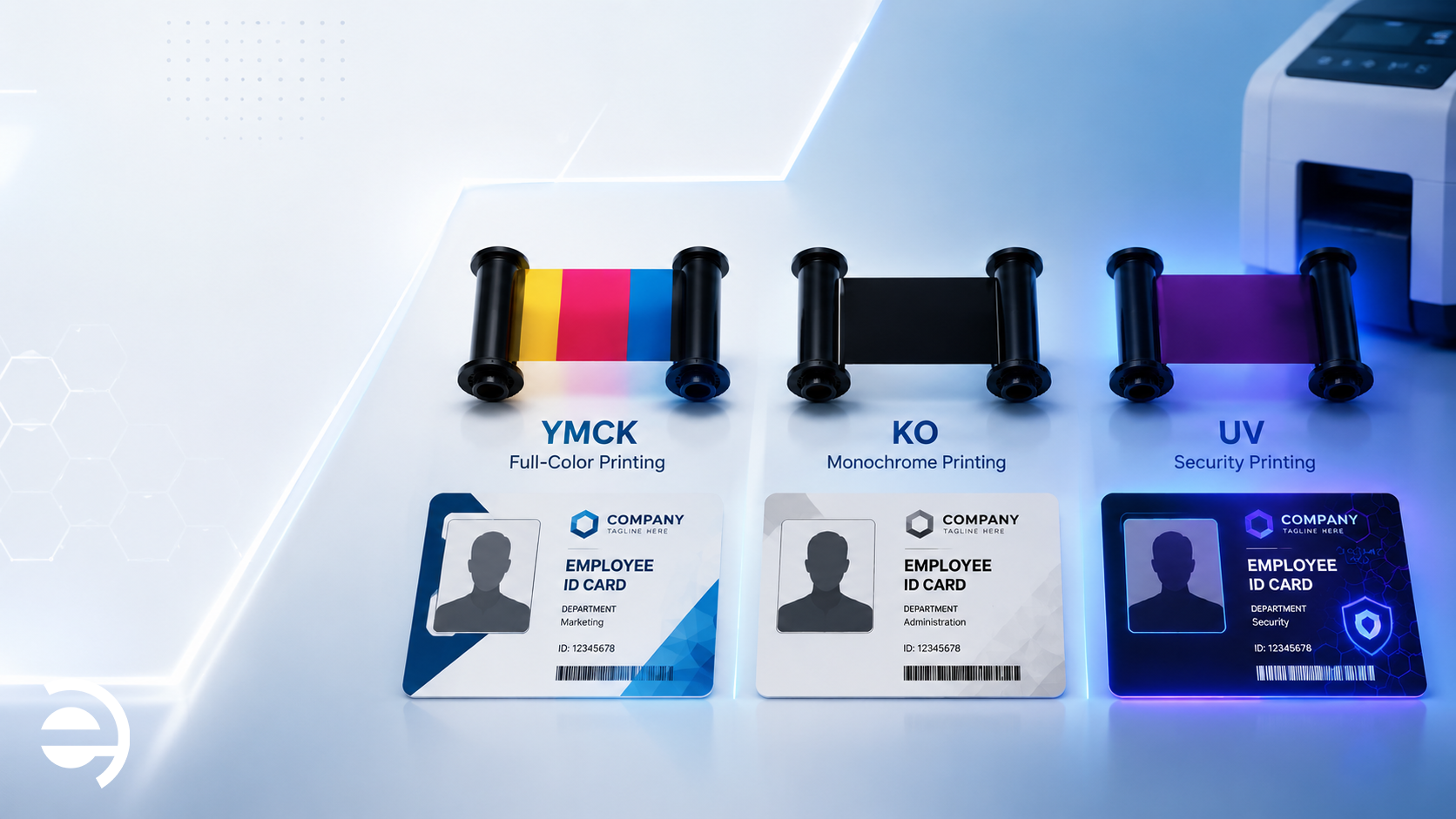
Walk into any card printing supplies catalog and you will find a confusing array of ribbon codes: YMCK, YMCKO, YMCKOK, KO, UV, monochrome, half-panel, retransfer film…
For HR managers, procurement teams, and IT administrators who simply need to keep their badge printer running, this alphabet soup creates a genuine challenge. Choose the wrong ID card ribbon type and you risk poor print quality, premature printhead wear, or cards that fail your organization’s security requirements.
This guide cuts through the confusion. We explain every major ID card ribbon type, what it contains, what it produces, who it is for, and when to use it, so your next ribbon order is the right one.
How ID Card Ribbons Work
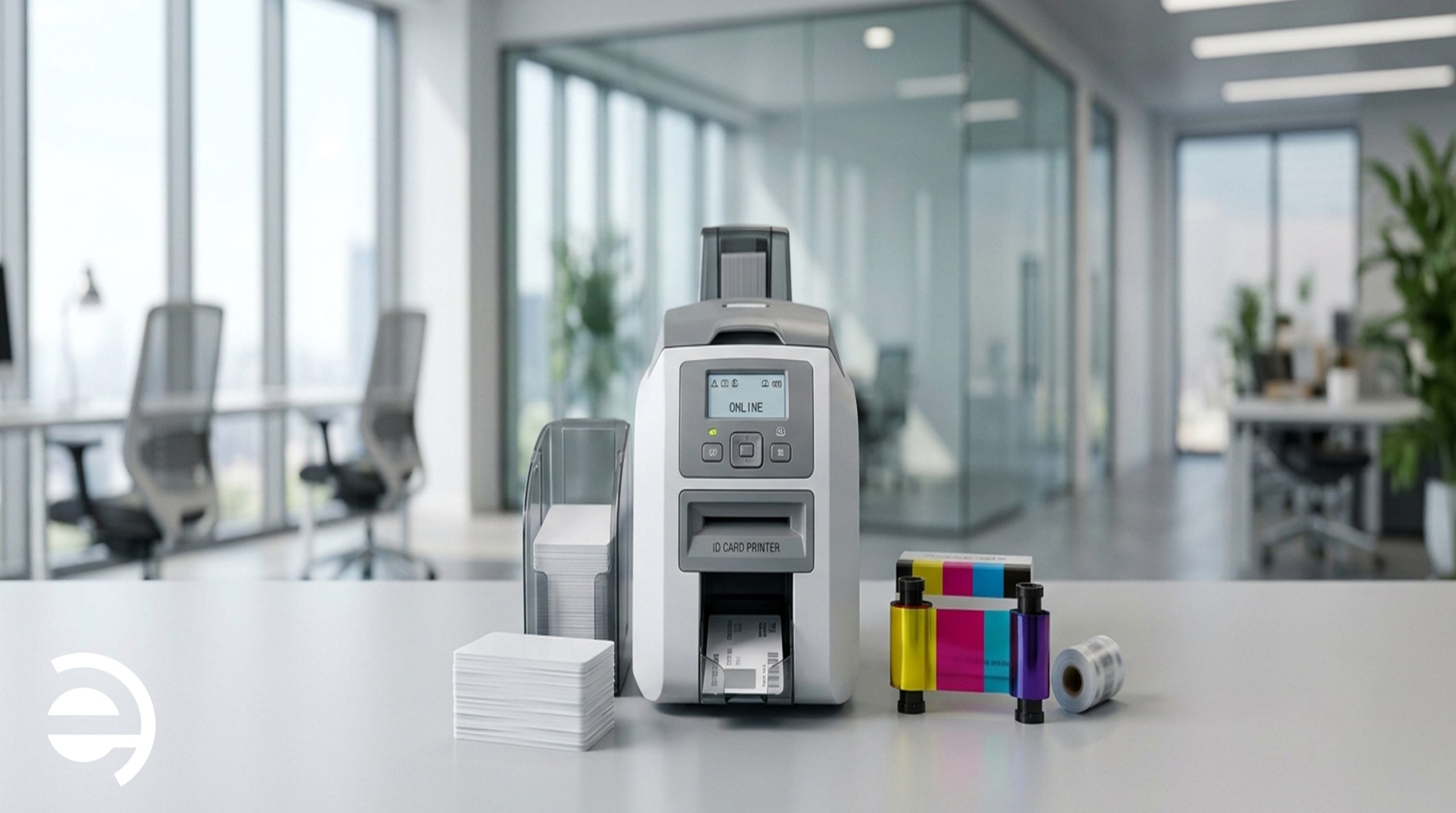
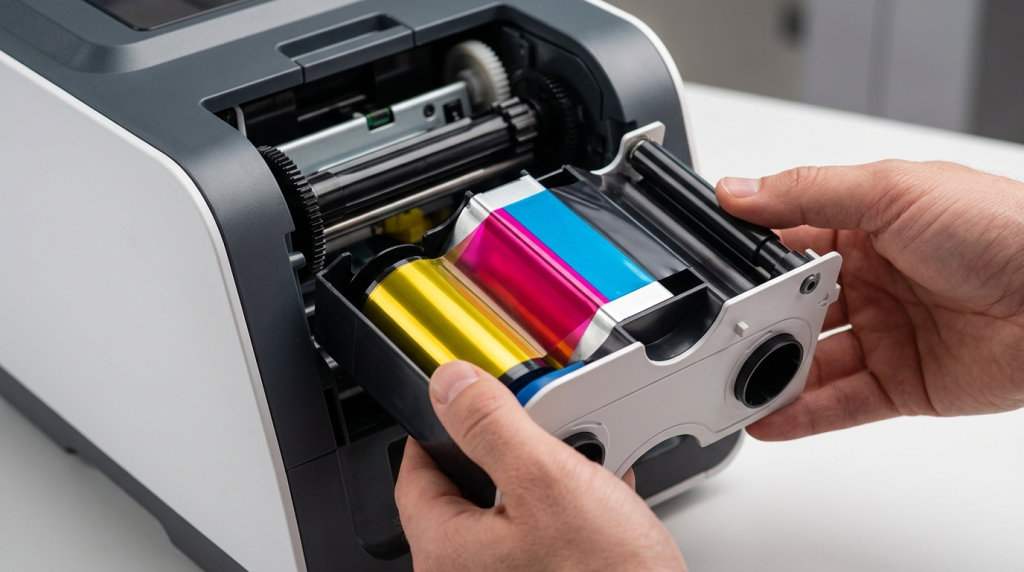
Before diving into specific ID card ribbon types, it helps to understand the basic mechanics. A card printer ribbon is a long film coated with dye panels in a specific sequence. As the ribbon passes over the card surface, a thermal printhead applies precise heat to each panel, transferring the dye onto the card in the exact pattern needed to reproduce the image, text, or barcode being printed.
Each ribbon cartridge contains a fixed number of panel sets; one set per card. When the ribbon runs out, it is replaced entirely. The sequence of panels in the cartridge determines what the ribbon can print, which is why different ribbon types produce very different results from the same printer hardware.
The Main ID Card Ribbon Types — Explained
YMCK — Full Color with Resin Black
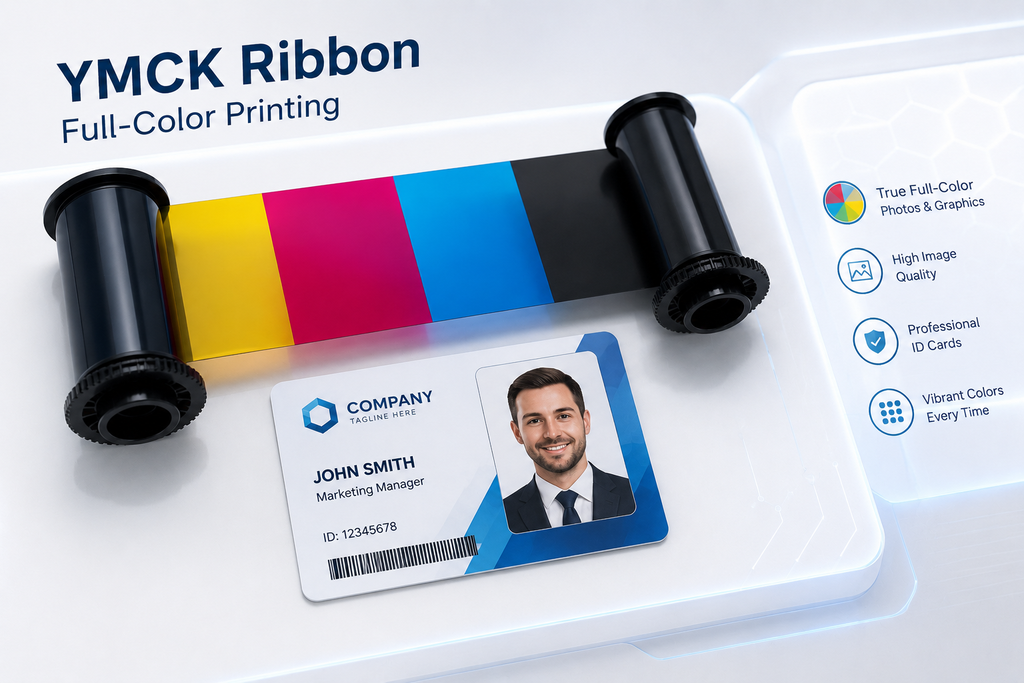
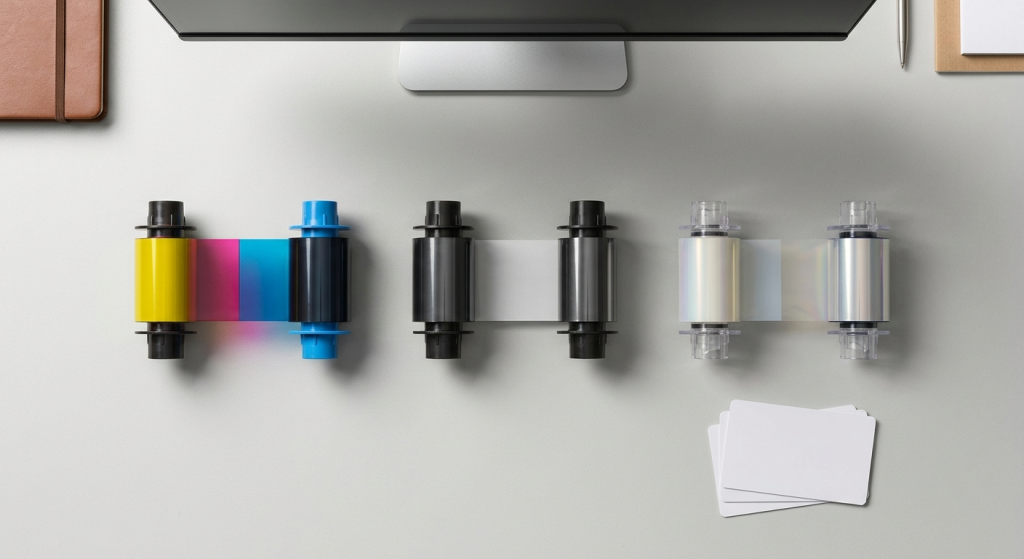
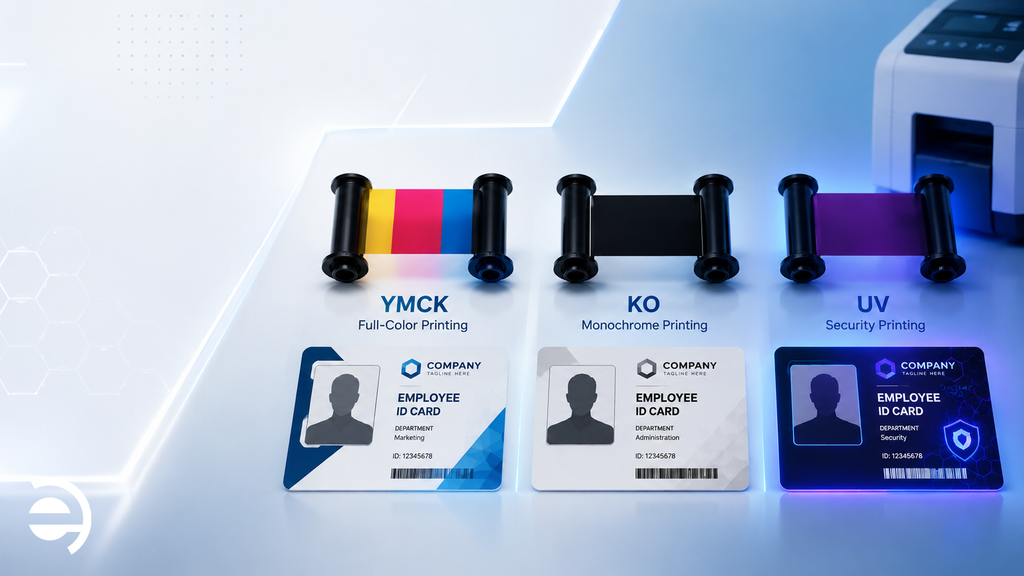
The YMCK ribbon is the standard choice for full-color photo ID badges. Each card cycle uses four dye panels: Yellow (Y), Magenta (M), Cyan (C), and resin Black (K). The three color panels combine through subtractive color mixing to reproduce the full visible spectrum, employee photos, corporate logos, background graphics, and color-coded department indicators. The resin black panel then prints crisp, sharp text, barcodes, and fine detail that the color panels alone cannot render with sufficient precision.
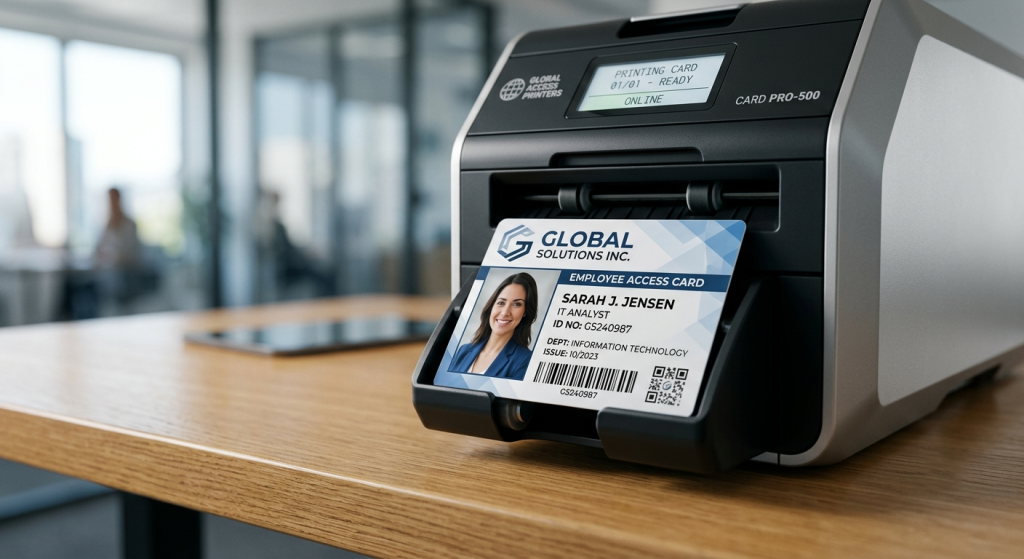
Best for: Standard corporate employee badges, access control cards, student IDs, visitor credentials. Any application where a professional full-color photo ID is required.
Key advantage: Balanced cost-per-card, good color accuracy, sharp text and barcode output.
YMCKO — Full Color with Black and Clear Overlay
The YMCKO ribbon adds a fifth panel to the YMCK sequence: a clear overlay (O) applied over the entire printed card surface after the color and black layers. This overlay creates a thin protective coating that resists everyday handling wear, minor scratches, moisture, and UV fading, extending card lifespan without requiring a separate overlaminate step.
The overlay panel in a YMCKO ribbon is thinner than a dedicated overlaminate and offers less protection against sustained wear or deliberate tampering. However, for programs where cards are used daily but not in extreme conditions, YMCKO ribbons provide a practical balance of color quality, moderate durability, and cost efficiency, all in one pass.
Best for: Mid-volume employee badge programs, loyalty cards, membership credentials, university IDs where moderate durability is sufficient.
Key advantage: Durability built into the ribbon, no separate lamination hardware or step required.
YMCKOK — Full Color with Dual Black Panels
The YMCKOK ribbon contains six panels per card cycle: the standard YMCK color sequence plus a second resin black panel (K). This second black panel enables dual-sided printing in a single pass, the first black panel prints on the front of the card alongside the color layers, while the second black panel prints on the reverse side.
This ribbon type is the right choice when your card design requires full-color printing on the front and text, barcodes, department information, or a magnetic stripe encoding layer on the back, without running the card through a separate print pass.
Best for: Dual-sided employee badges with department or access level data on the reverse, transit cards, loyalty cards with variable data on both faces.
Key advantage: Dual-sided output in a single pass, eliminates the need for two separate print operations.
KO — Monochrome with Clear Overlay
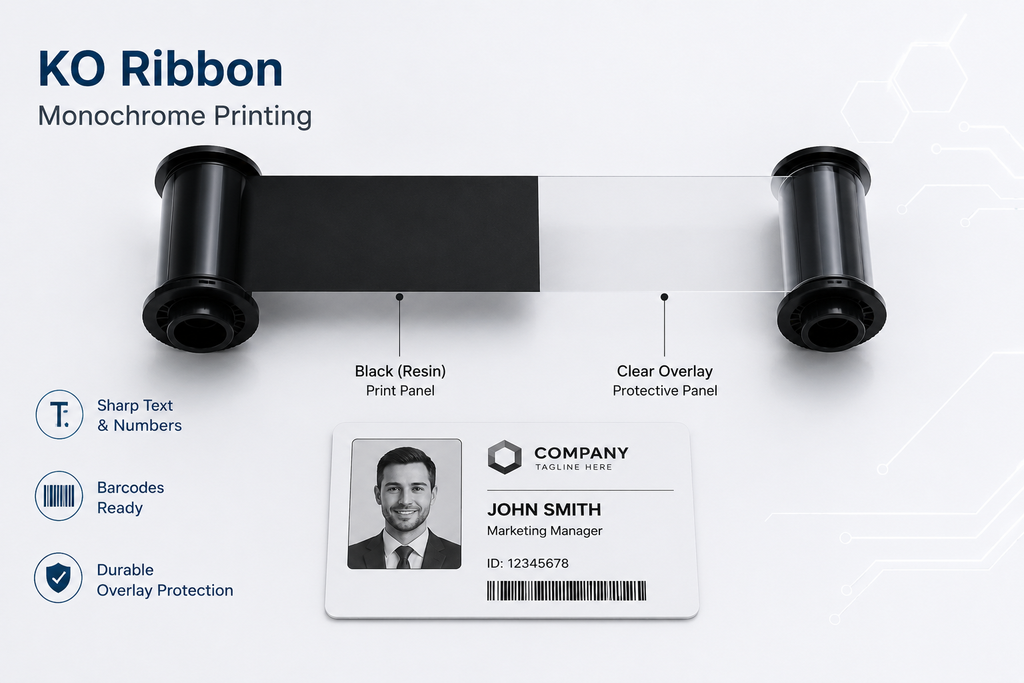
The KO ribbon prints in a single color, most commonly black, though blue, red, white, gold, and silver variants are available, plus a clear overlay panel. There are no color dye layers. The result is a single-color printed card with a protective overlay finish.
Monochrome ribbons yield significantly more cards per cartridge than full-color ribbons, typically three to four times as many cards from the same cartridge length. This makes the KO ribbon the most cost-effective ID card ribbon type for high-volume programs where full-color output is not required.
Best for: Temporary visitor passes, contractor badges, loyalty membership cards, event credentials, and any high-volume program where cost efficiency takes priority over color.
Key advantage: Lowest cost-per-card of any ribbon type. Ideal for short-lifespan or high-replacement-rate credential programs.
UV Ribbon — Covert Security Printing
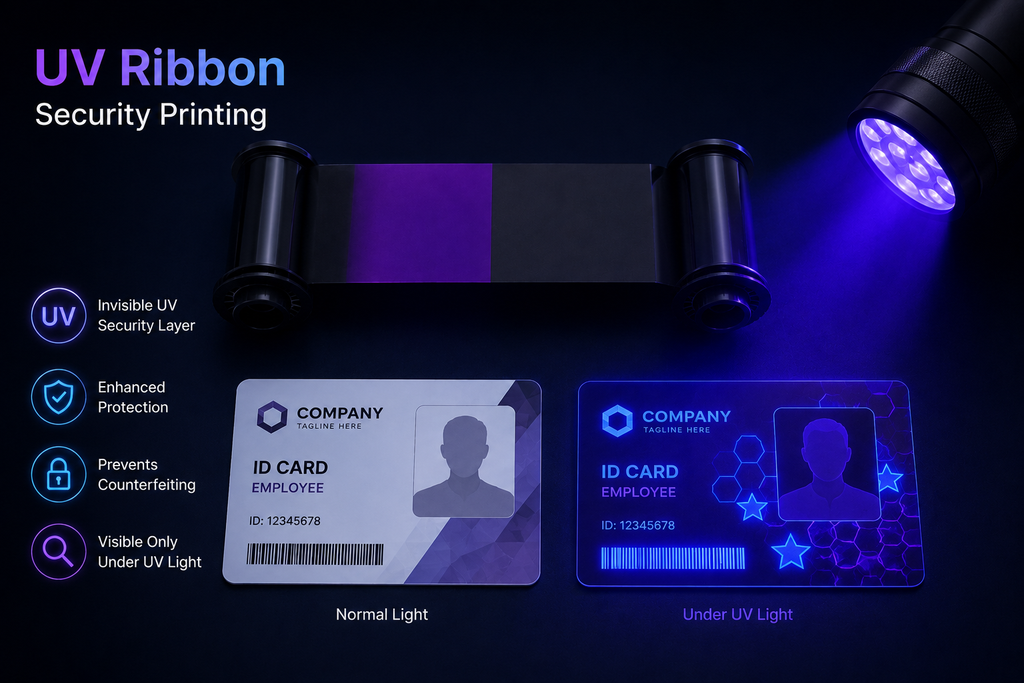
The UV ribbon is a specialist security ribbon that prints content invisible under normal lighting but clearly visible under ultraviolet (black) light. UV printing adds a covert authentication layer to an ID card, logos, micro-text, patterns, or serial numbers that cannot be seen or easily replicated without specialist equipment and knowledge.
UV ribbons are never used alone. They are used in combination with a standard YMCK or KO ribbon as part of a multi-layer security printing program. The UV layer is printed first, followed by the visible color or monochrome layer on top, leaving the UV content hidden beneath the surface of the finished card.
Best for: Government credentials, high-security corporate programs, university IDs, financial services cards, and event credentials where counterfeit prevention is a priority.
Key advantage: Adds a covert security layer that is difficult to replicate without access to specialist UV printing equipment.
Retransfer Film — For Retransfer Printers
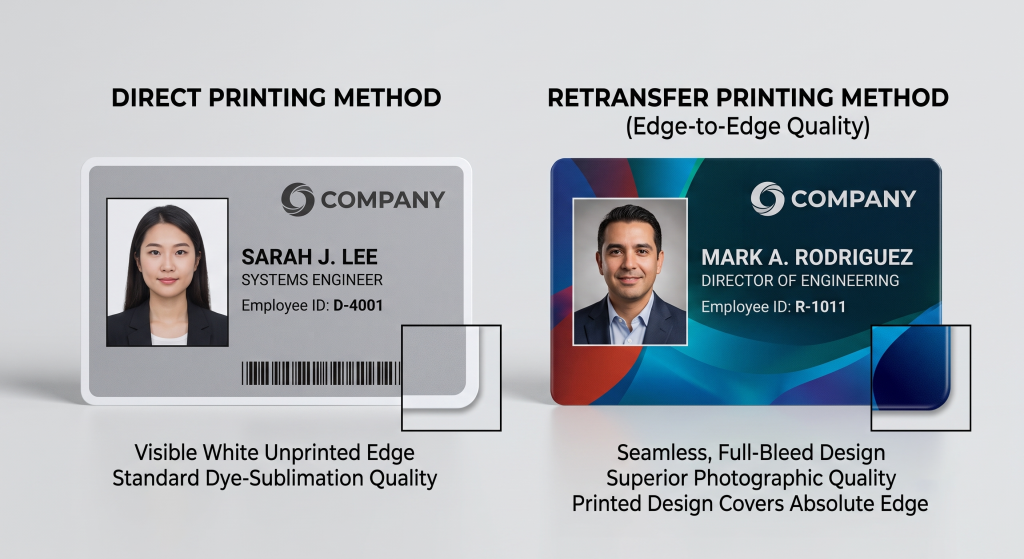
Retransfer film is technically not a dye ribbon, it is the printing medium used in retransfer (HDP) card printers. Instead of applying dye directly to the card surface, a retransfer printer first prints the full image onto a clear film, then thermally fuses that film over the entire card surface, producing edge-to-edge, over-the-chip printing that direct-to-card ribbons cannot achieve.
The result is a higher-resolution, more durable, and more tamper-resistant credential because the printed image is sealed beneath a fused film layer rather than sitting on the card surface. Retransfer film is the correct choice for organizations issuing smart cards with embedded chips or contactless technology, where the surface irregularities of chip placement would cause print defects with direct-to-card ribbons.
Best for: Smart card and contactless credential programs, high-security government and enterprise IDs, any application requiring edge-to-edge printing.
Key advantage: Superior print quality, edge-to-edge output, and inherent tamper resistance from the fused film construction.
How to Choose the Right ID Card Ribbon Type
With the range of ID card ribbon types clear, the selection decision comes down to four questions:
1. Do you need full color?
If your badge design includes a color employee photo, corporate logo, or color-coded elements, start with YMCK or YMCKO. If single-color output is sufficient, visitor passes, contractor badges, basic membership cards; KO monochrome is significantly more cost-effective.
2. Do you need dual-sided printing?
If your card has content on both the front and back, department information, barcodes, magnetic stripe data, YMCKOK delivers dual-sided output in a single pass without requiring a second print run.
3. What security level does your program require?
Standard employee badge programs are well served by YMCK or YMCKO ribbons. Programs requiring covert authentication, government credentials, financial institution IDs, high-security enterprise badges, should incorporate a UV ribbon as a security layer alongside the visible printing ribbon. Organizations issuing smart cards should specify retransfer film rather than a direct-to-card ribbon.
4. What is your issuance volume and cost target?
Higher-volume programs benefit from high-capacity ribbon options that yield more cards per cartridge and reduce replacement frequency. Programs printing fewer than 500 cards per year typically find standard-capacity ribbons sufficient. As a general card printer ribbon guide: the higher your volume, the more important it is to calculate true cost-per-card rather than cost-per-cartridge, a higher upfront cost per cartridge often delivers a lower cost per card at scale.
One Critical Rule: Match Your Ribbon to Your Printer
Every card printer model has specific compatibility requirements for ribbons and other consumables. Using an incompatible ribbon can result in printing errors, inconsistent output, and potential equipment damage. Always check the manufacturer’s specifications before selecting an ID card printer ribbon for your equipment.
If you are unsure which ribbon type or cartridge is compatible with your printer, verify the specifications before ordering. Correct compatibility is essential for maintaining print quality and avoiding unnecessary equipment problems. Regular printer maintenance can also help identify issues that affect printing performance.
How Elidiso Supports ID Card Printing and Card Printer Maintenance
Elidiso provides ID card printing services and card printer maintenance for organizations that need professional identification cards and reliable printing operations.
Our services support a variety of applications, including:
- Schools and universities: Student ID cards, staff identification, and replacement cards.
- Gyms and fitness clubs: Membership cards for member identification and registration.
- Business centers: Employee, tenant, and visitor identification cards.
- Companies and other organizations: Employee badges and organizational identification cards.
In addition to card printing, Elidiso provides maintenance for existing card printers to help address equipment issues, maintain print quality, and reduce avoidable interruptions.
Understanding ribbon compatibility is an important part of managing card printing equipment. Organizations should follow the specifications for their particular printer and use compatible consumables to support reliable operation.
Whether you need professionally printed identification cards or maintenance for your existing card printer, Elidiso can help with your organization’s card printing requirements.
Contact Elidiso to discuss your ID card printing needs or inquire about card printer maintenance.