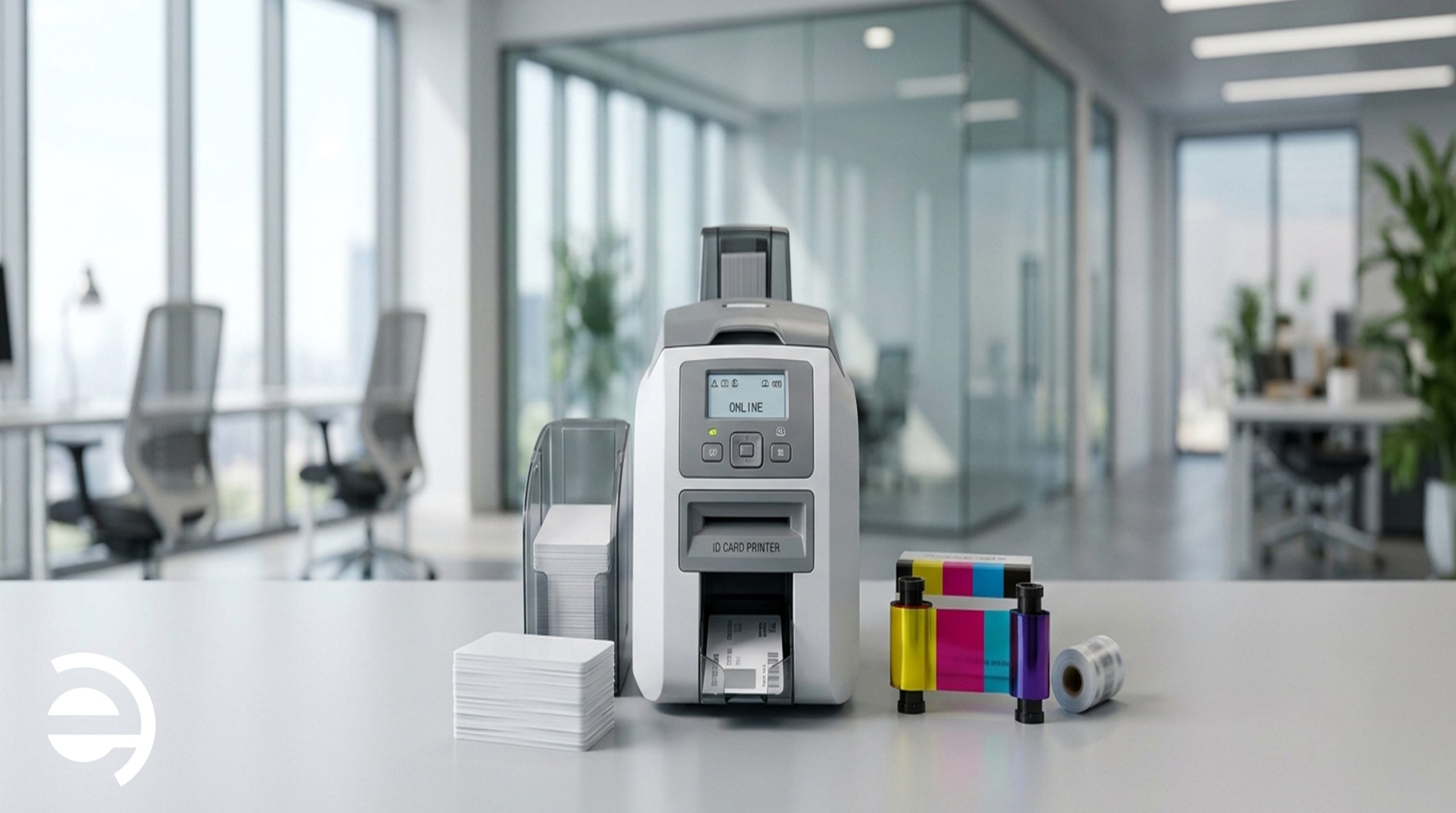
Running a professional ID card printing program involves more than just the hardware. Understanding card printer consumables, including ribbons, overlaminates, and blank card stock, is essential for maintaining print quality, durability, and security. Yet for many HR teams and procurement managers, these materials receive little attention until a printing issue interrupts daily operations.
This guide explains what card printer consumables are, how they affect the printing process, and what organizations should consider when managing an ID card printing program.
What Are Card Printer Consumables?
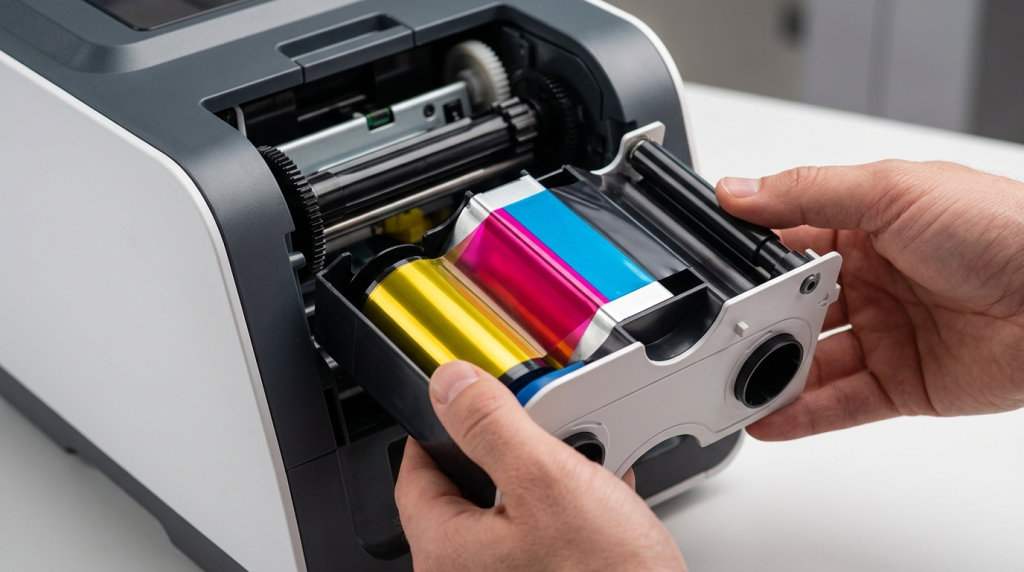
Card printer consumables are the materials used during the printing process that need to be replenished as cards are produced. The three main categories are:
- Ribbons: Contain the ink or dye used to transfer images, text, and other information onto cards.
- Overlaminates: Protective films applied over printed cards to improve durability and, depending on the type, provide additional security features.
- Blank card stock: The physical cards onto which photographs, names, logos, and other information are printed.
Choosing unsuitable consumables for a particular printer or application can lead to inconsistent print quality, printing errors, or compatibility problems. Understanding these materials helps organizations make informed decisions about their card printing requirements.
Card Printer Ribbons: What You Need to Know
Ribbons are among the most important card printer consumables, directly affecting print quality, color accuracy, and the appearance of identification cards.
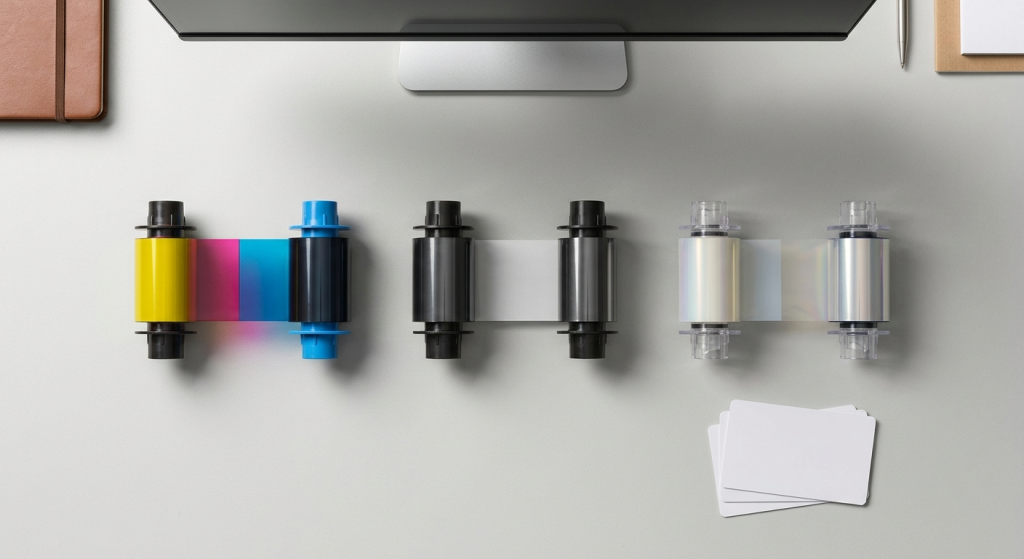
Ribbons are among the most important card printer consumables, directly affecting print quality, color accuracy, and the appearance of identification cards.
Different ribbon configurations serve different purposes. Full-color ribbons are commonly used for employee badges, student ID cards, and membership cards featuring photographs, logos, and other graphics. Monochrome ribbons are suitable for simpler designs that primarily contain text or single-color elements, while specialized ribbons can support additional requirements, such as UV security printing.
The appropriate ribbon depends on the printer model, printing technology, card design, and intended application. Using compatible consumables and following the manufacturer’s specifications helps maintain consistent output and reliable equipment operation.
For a detailed comparison of YMCK, YMCKO, YMCKOK, KO, and UV ribbons, read our dedicated guide to card printer ribbon types.
Overlaminates: Why They Matter More Than Most Teams Realize
An overlaminate is a thin protective film applied over a printed card using compatible equipment. Depending on its composition and design, it can help protect the card against surface wear, scratching, and fading while introducing additional security features.
Two common types are clear and holographic overlaminates.
Clear Overlaminate
A clear overlaminate provides a transparent protective layer without significantly changing the card’s visual appearance. It can help reduce the effects of routine handling and preserve the printed design over time.
This type of protection can be useful for employee badges, student identification cards, and membership cards that are frequently handled. The actual improvement in card lifespan depends on the card material, printing technology, laminate specifications, and conditions of use.
For organizations that issue cards expected to remain in circulation for extended periods, a compatible clear overlaminate may be worth considering.
Holographic Overlaminate
A holographic overlaminate incorporates a visible security pattern, such as a logo, geometric design, or repeating motif, that changes appearance when viewed from different angles.
This feature can make unauthorized reproduction more difficult and help distinguish genuine credentials from basic copies. Custom holographic patterns can also reinforce an organization’s visual identity.
Holographic overlaminates are particularly relevant to applications with additional credential-security requirements. However, they should be used alongside appropriate issuance controls and access management procedures rather than treated as a complete security solution on their own.
Blank Card Stock: Choosing the Right Material
Blank card stock is an essential part of an ID card printing program because the material affects print quality, durability, and compatibility with the printing system. The main options include PVC, composite, and polycarbonate cards.
- PVC cards (CR-80): A widely used standard for identification and membership programs. The CR-80 format measures approximately 85.6 × 54 mm and is commonly used for employee IDs, student cards, and membership credentials. Compatibility depends on the printer and card specifications.
- Composite cards (PVC/PET blend): Combine PVC with PET to provide greater dimensional stability and improved resistance to certain forms of heat and bending. They can be suitable for demanding applications, provided the selected card is compatible with the printing technology.
- Polycarbonate cards: Used for applications requiring durable, high-security credentials. Certain polycarbonate cards support laser engraving, allowing information to be incorporated into the card structure in ways that make alteration more difficult.
The appropriate card material depends on the intended application, expected lifespan, printing technology, and any encoding requirements.
Using card stock that is unsuitable for a particular printer can contribute to card jams, inconsistent print quality, or unnecessary wear on rollers and other components. Manufacturer compatibility specifications should therefore be checked before selecting card materials.
How to Match Consumables to Your Printer and Use Case
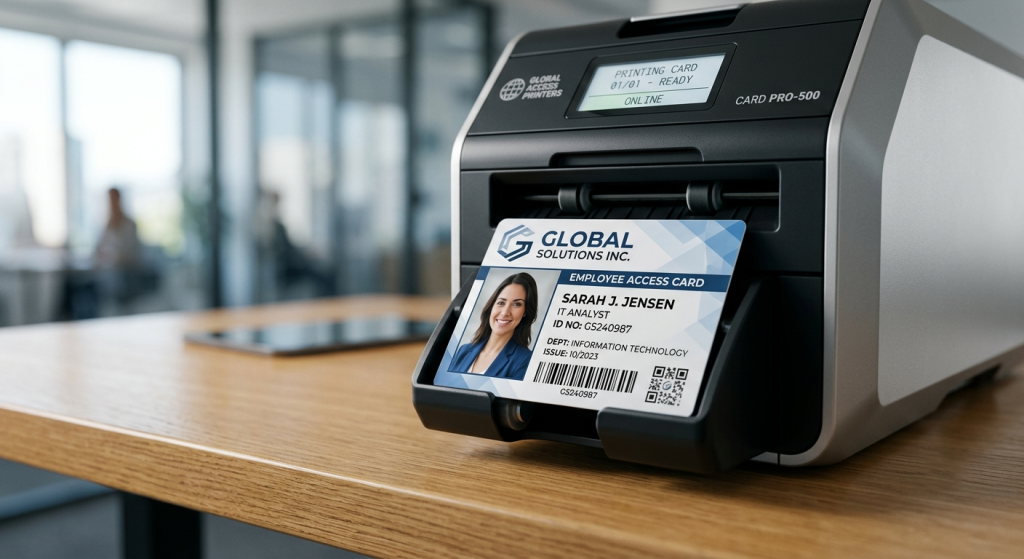
Choosing suitable card printer consumables involves evaluating three main factors: printer compatibility, printing volume, and security requirements.
1. Your Printer Model
Card printer ribbons are not universal. Manufacturers and individual printer models may use different ribbon cartridges, formats, and supported materials.
Before selecting a ribbon or overlaminate, verify compatibility with the specific printer model and printing technology. The same consideration applies to blank cards, particularly when using specialized materials or cards with embedded technology.
Using incompatible consumables can result in printing errors, poor output, or equipment problems. Following the manufacturer’s specifications and maintenance recommendations helps support consistent printing performance.
2. Your Card Volume
The number of cards an organization produces affects how frequently consumables must be replaced and how printing operations should be managed.
High-volume programs may benefit from compatible high-capacity ribbons that reduce the frequency of ribbon changes. Smaller programs may prioritize straightforward operation and the ability to print cards when needed.
For example, schools and universities may experience increased demand during enrollment periods, while gyms and fitness clubs may need to print membership cards throughout the year. Business centers may require employee and visitor cards as tenants and staff change.
Planning for these patterns can help organizations manage printing schedules, replacement requirements, and maintenance more effectively.
3. Your Security Requirements
The appropriate consumables depend on the purpose of the card and the level of protection required.
For routine identification, a compatible full-color ribbon and suitable card stock may be sufficient. Applications that require additional durability or visual security may benefit from compatible overlaminates, specialized card materials, or supported security-printing features.
Organizations should evaluate the sensitivity of the information printed on the card, how the credential will be used, and whether it must work with an access control or authentication system.
The objective is to select a configuration that meets the actual requirements of the application without adding unnecessary complexity.
How Elidiso Supports ID Card Printing and Card Printer Maintenance
Elidiso provides ID card printing services and card printer maintenance for organizations that need professional identification cards and support for their existing printing equipment.
Our services cover a range of identification requirements across different sectors:
- Schools and universities: Student ID cards, staff identification cards, and replacement cards.
- Gyms and fitness clubs: Membership cards for member identification and registration.
- Business centers: Employee, tenant, and visitor identification cards.
- Companies and other organizations: Employee badges and other organizational identification cards.
Alongside card printing, Elidiso provides card printer maintenance to help organizations address equipment issues and maintain reliable printing operations. Appropriate maintenance can help identify potential problems, reduce avoidable downtime, and support consistent print quality.
Understanding consumable compatibility is also important when maintaining existing card printing equipment. Organizations should follow the specifications for their particular printer and use suitable materials to help avoid preventable printing problems.
Whether you need identification cards for students, employees, members, or visitors, or require maintenance for an existing card printer, Elidiso can help with your card printing requirements.
Contact Elidiso to discuss your ID card printing needs or inquire about card printer maintenance for your organization.
Final Thoughts
Managing a professional ID card printing program requires attention to the materials, equipment, and processes involved. Understanding ribbons, overlaminates, and blank card stock helps organizations make informed decisions about print quality, card durability, and security.
For schools, universities, gyms, business centers, and enterprises, reliable card printing and appropriate printer maintenance support consistent identification processes as organizational needs evolve.
Leave a Reply